A mini programme is not an isolated front door. It must connect user tasks, service feedback and back-office operations so every interaction has a clear next step.
CASE FILE / 05 · MINIAPP / SERVICES
Mini Programme Services & Operations
A mini programme is not an isolated front door. It must connect user tasks, service feedback and back-office operations so every interaction has a clear next step.
PROJECT CONTEXT / DESIGN JUDGEMENT
Understand the operation before deciding how the system should appear.
We organised service touchpoints, operational coordination, user experience into a clear information hierarchy so each role can see state, take action and understand what comes next.
User entry, Operations console, Feedback loop remain connected so interface, workflow and back-office capability can evolve on one route.
ANONYMISED VIEW / DESIGNED FOR EXPLANATION
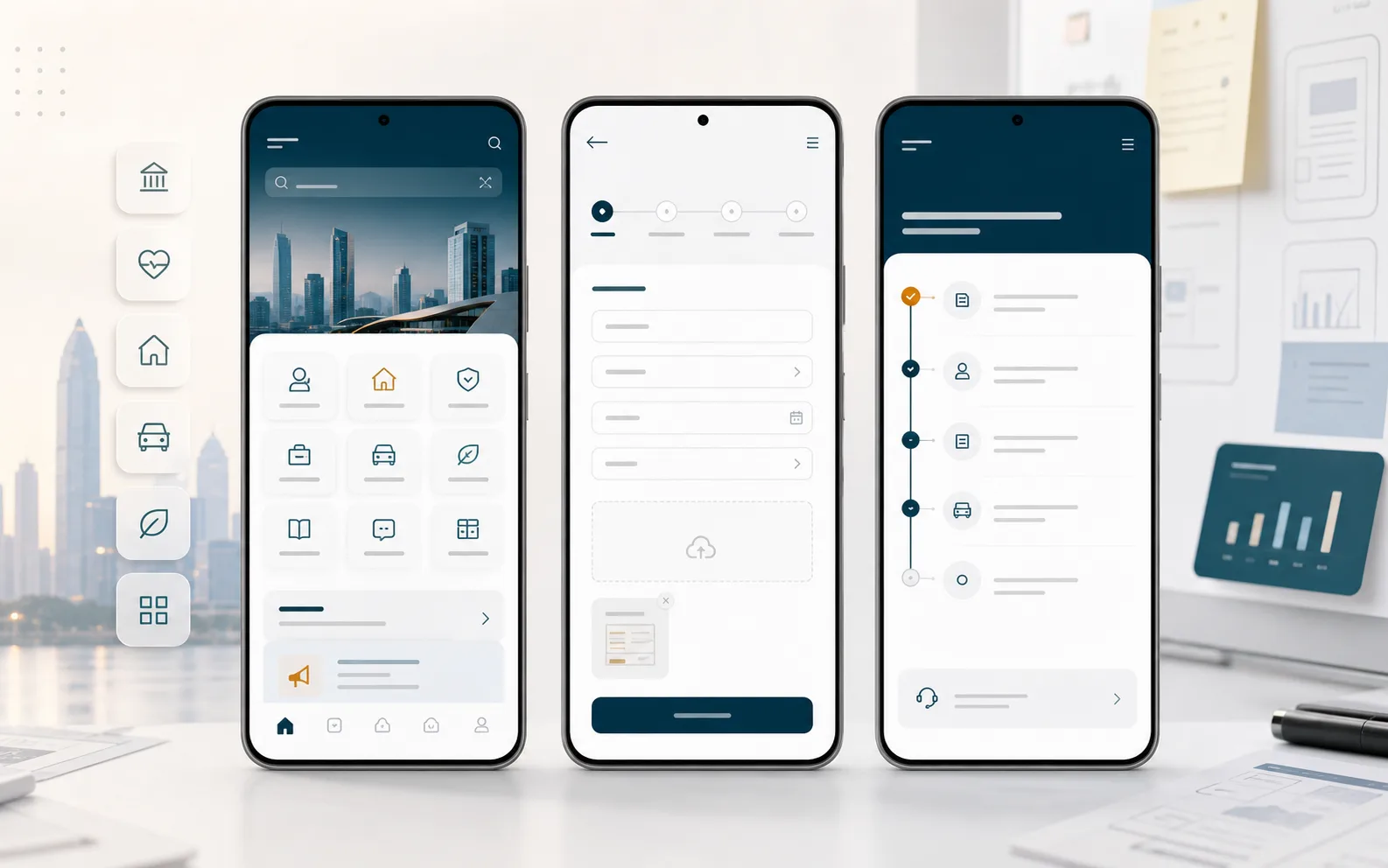
An illustrative redesign explains how the system works.
This visual has been recreated from project experience to explain product structure and workflow relationships. Names, roles, states and figures are not client production data.
SYSTEM MODEL / THREE CONNECTED LAYERS
Mini Programme Services & Operations is more than a single interface.
User entry
Services, tasks and message touchpoints
Operations console
Content, campaigns and service configuration
Feedback loop
Behaviour, evaluation and ongoing improvement
TEAM CONTRIBUTION / DELIVERY MATERIAL
The team's contribution should leave usable artefacts for the next stage.
The scope below summarises work that NINENAV core team members contributed to or produced across the relevant project experience, with outcomes teams can use, hand over and maintain.
- 01Service journey and interface design↗
- 02Mini programme and admin console↗
- 03Operations configuration and data feedback↗
CAPABILITIES / RELATED WORK
Capabilities demonstrated in this case
Working through a similar problem? Start by clarifying the boundary.
Discuss a project ↗